

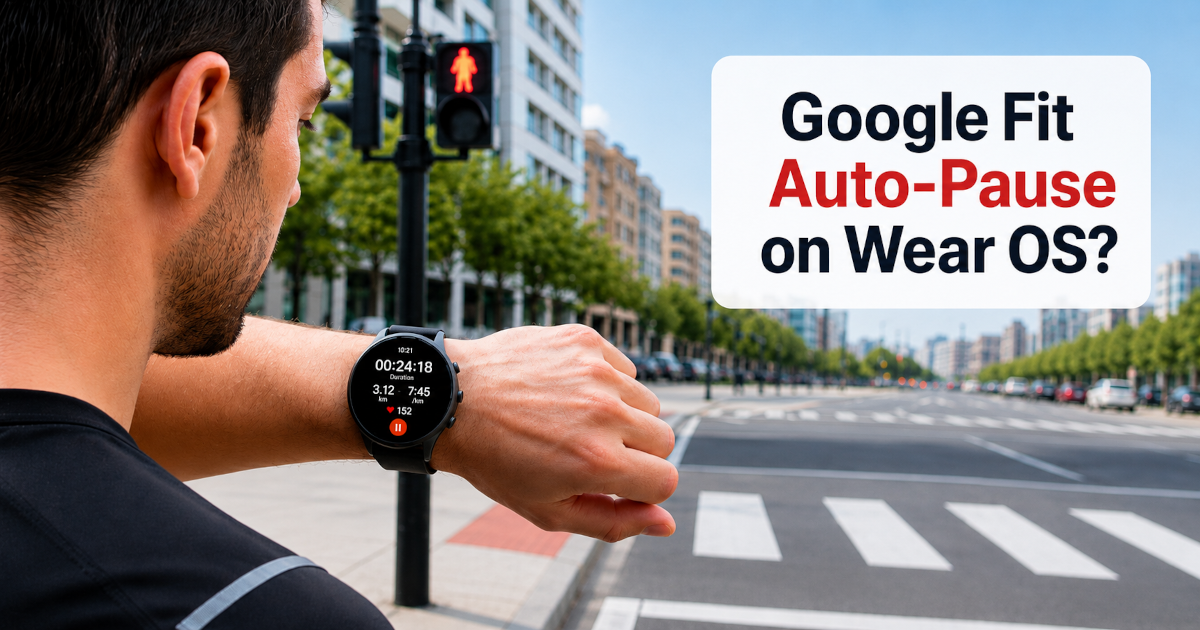
Stopping at a traffic light during a run can increase the recorded duration even though you are not moving. This is why many runners and cyclists look for an auto-pause option in their activity-tracking app.
As of July 2026, Google Fit does not document an automatic pause-and-resume feature for workouts recorded through Google Fit on Wear OS. You can manage the workout manually, and Google Fit may remind you to end it after prolonged inactivity, but that reminder is not the same as auto-pause.
Does Google Fit automatically pause a workout?
Google Fit’s current Wear OS workout documentation explains how to track workouts with a watch, but it does not list an auto-pause setting.
A Google Wear OS support thread addressed the question directly in 2021. The accepted response stated that Google Fit did not provide auto-pause and that workouts had to be paused manually.
Because community answers can become outdated, the safer current conclusion is:
Google Fit does not currently document automatic pause and resume for workouts recorded through Google Fit on Wear OS.
This applies specifically to Google Fit. A watch manufacturer or another fitness application may provide its own auto-pause feature.
The end-workout reminder is not auto-pause
Google Fit provides an end-workout reminder on some Wear OS devices.
When the watch detects that you have remained still for several minutes, it may display a reminder asking whether you want to end the workout. This is useful when you have finished exercising but forgotten to stop recording.
It does not provide the behaviour normally associated with auto-pause:
- It does not immediately pause the workout when you stop.
- It does not automatically resume when you start moving again.
- It still requires you to respond to the reminder.
- It is intended for prolonged inactivity rather than brief interruptions.
According to Google, the reminder may appear after approximately five minutes of inactivity during activities such as running or cycling. For some other activities, including walking, it may take approximately ten minutes. The feature is available only on some Wear OS devices.
A short wait at a road crossing may therefore remain part of the recorded workout.
Why auto-pause matters
Short interruptions are common during outdoor activities:
- Waiting at traffic lights
- Crossing busy roads
- Checking directions
- Taking a short water break
- Adjusting clothing or equipment
- Waiting for another runner or cyclist
When the workout timer continues during these stops, the total duration increases even though no distance is being covered.
This can affect statistics such as average pace and average speed. A runner may maintain a consistent pace while moving, but several stationary periods can make the overall average appear slower.
The result is not necessarily incorrect. It depends on which measurement you want:
- Elapsed time includes the entire period between starting and finishing.
- Moving time represents the periods during which you were actually moving.
Auto-pause makes the active workout timer more closely follow moving time.
For a detailed comparison of these measurements, read Elapsed time vs moving time: what is the difference?.
Manual pause remains useful
Manual pause gives you direct control over what is included in the workout. It can be the better choice during a long rest, an unexpected interruption or any situation where movement detection may be unreliable.
The disadvantage is that you must remember to pause and resume.
Forgetting to pause includes the stationary period. Forgetting to resume can exclude part of the activity entirely.
Auto-pause is designed to handle common short stops without requiring repeated interaction with the watch or phone.
Auto-pause with VMFit
VMFit lets you configure auto-pause separately for supported GPS-tracked activity types. This allows activities with different movement patterns to use appropriate settings.
A speed that indicates a stop during road cycling may still represent valid movement during walking, hiking or another slower activity.
VMFit records the activity on the Android phone. For a broader explanation of phone-based route recording, see What is a GPS activity tracker and how does it work?.
Its Wear OS companion app allows you to control the workout from a compatible watch, including:
- Starting an activity
- Pausing and resuming
- Stopping the activity
- Viewing live workout information
- Viewing the completed activity summary
Automatic and manual controls can be used together. Auto-pause can manage routine short interruptions, while the watch controls remain available when you want to pause the activity yourself.
Should every activity use auto-pause?
Auto-pause is especially useful when moving pace or speed is the main measurement.
Common examples include urban running, road cycling and walks with frequent crossings. It may be less suitable when stationary periods are a meaningful part of the activity.
During a hike, for example, you may want rest stops included because they represent the total time required to complete the route. Another person may prefer statistics based mainly on movement.
The correct setting depends on what you want the recorded workout to represent.
Frequently asked questions
Does Google Fit have auto-pause for running?
Google Fit does not currently document automatic pause and resume for running workouts recorded through Google Fit on Wear OS.
Is the Google Fit end-workout reminder an auto-pause feature?
No. The reminder asks whether you want to end a workout after prolonged inactivity. It does not automatically pause when you stop and resume when you continue.
Can stopping affect my average pace?
Yes. When stopped time is included in the duration used to calculate average pace, the displayed pace becomes slower.
Can I manually pause Google Fit on Wear OS?
Yes. The accepted Google support response states that a Google Fit workout can be paused manually from the watch when taking a break, but that this does not happen automatically.
Can VMFit pause a workout automatically?
Yes. VMFit provides configurable auto-pause behaviour for supported GPS-tracked activities, with settings that can differ by activity type.
Conclusion
Google Fit’s end-workout reminder can help when you finish exercising and forget to stop recording. It does not provide the immediate automatic pause-and-resume behaviour that runners and cyclists usually expect from auto-pause.
If you want short stops such as traffic lights and road crossings excluded from the active Google Fit workout timer, you need to pause and resume the workout manually. VMFit provides configurable auto-pause while retaining manual workout controls through its Wear OS companion app.