Get Link
The Get Link feature, accessible from Activity Details → Share (top right in the toolbar) → Get Link, allows you to generate a public page for your activity on the VMFit server.
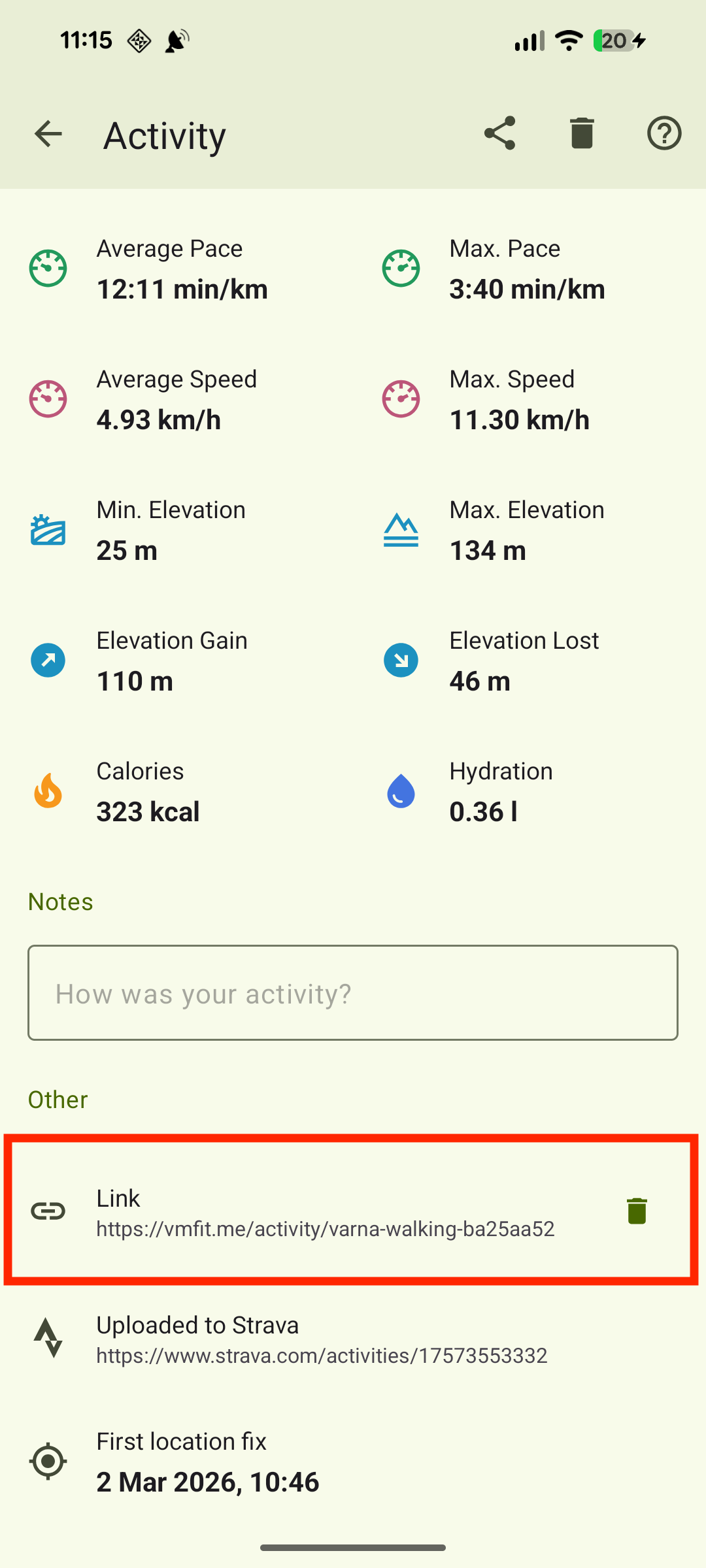
The public page will include your activity data and, optionally (for outdoor activities), an interactive map showing your route (without start and end points) along with elevation and speed charts. The created link will be accessible in the Activity Details page under the Other section.
VMFit doesn’t collect personal identifiers, so this page is anonymous. Unless you share the link in a way that ties it to you (for example, posting it on social media), the link itself doesn’t directly reveal your identity.
The generated link will be included in our anonymous activity index at https://vmfit.me/activity-index/, and it may also appear in search results.
Updating your link
Because the generated link is a snapshot of your activity at the moment you created it, any edits made after that won’t be reflected on the public page. If you update your activity details and want the changes reflected, generate a new link again.
Deleting the link
To delete the generated link and all the data related to it, click the trash can icon next to the link in the Other section of the Activity Details page.
Deleting the link will make it inaccessible to anyone you shared it with.
Note: If you delete an activity that has an associated link, the app will prompt you to delete the link first.