Changing activity type
The activity type you are currently tracking is displayed at the top-left corner of the recording screen, along with an icon.
Tapping the name or the icon opens the Activity type screen, where you can select a new activity type.
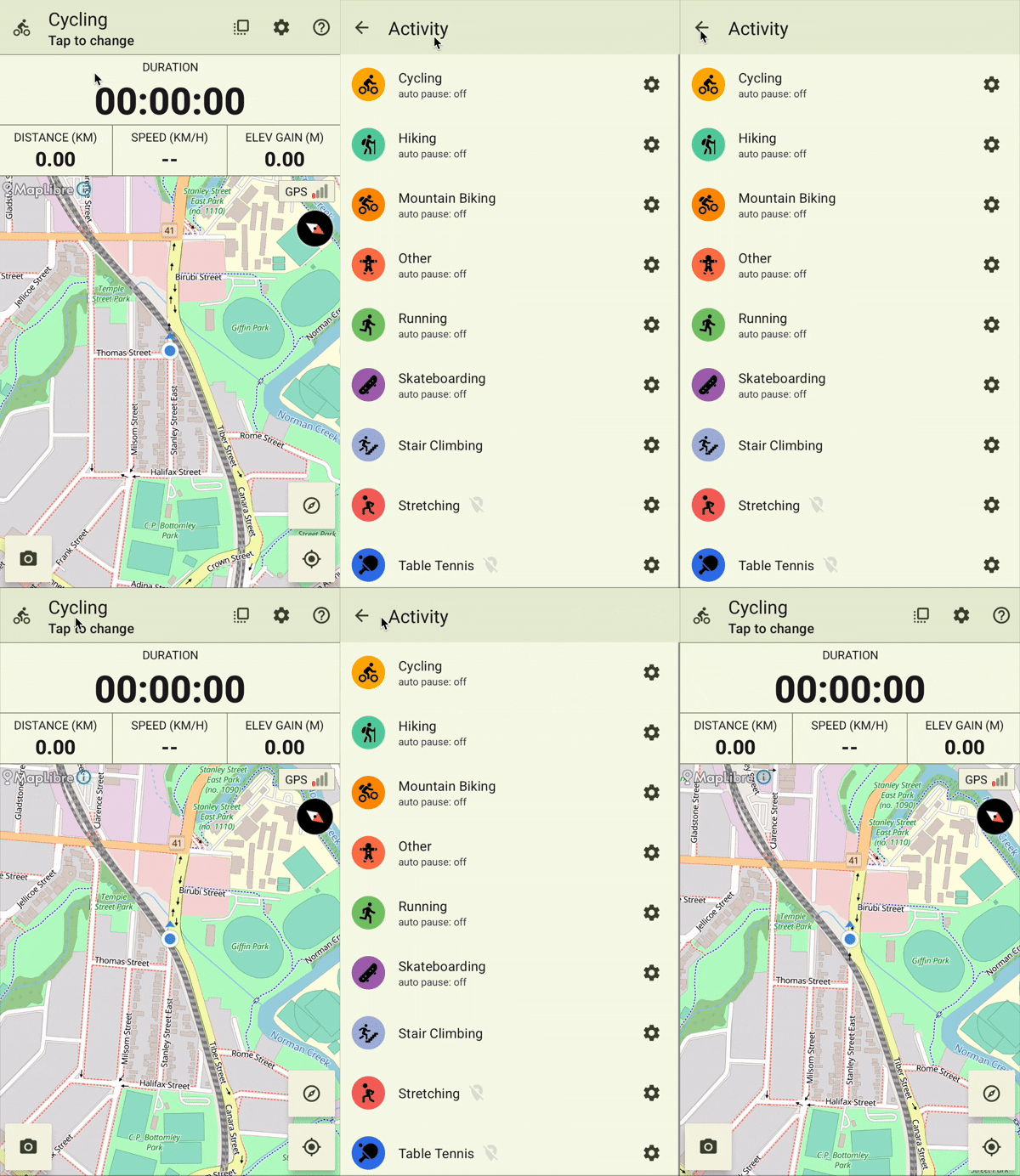
When you choose a new activity type for the first time, it will be added to the list of recent activity types.
The recents list supports up to three frequently used activities for quick selection.
Note: The activity type cannot be changed while recording is in progress.
Note: Activity types that do not require GPS are marked with a special 'location disabled' icon.