Working with the map
You can interact with the map using standard gestures (pinch or double-tap to zoom, drag to move, and rotate with two fingers).
Viewing the map in full screen
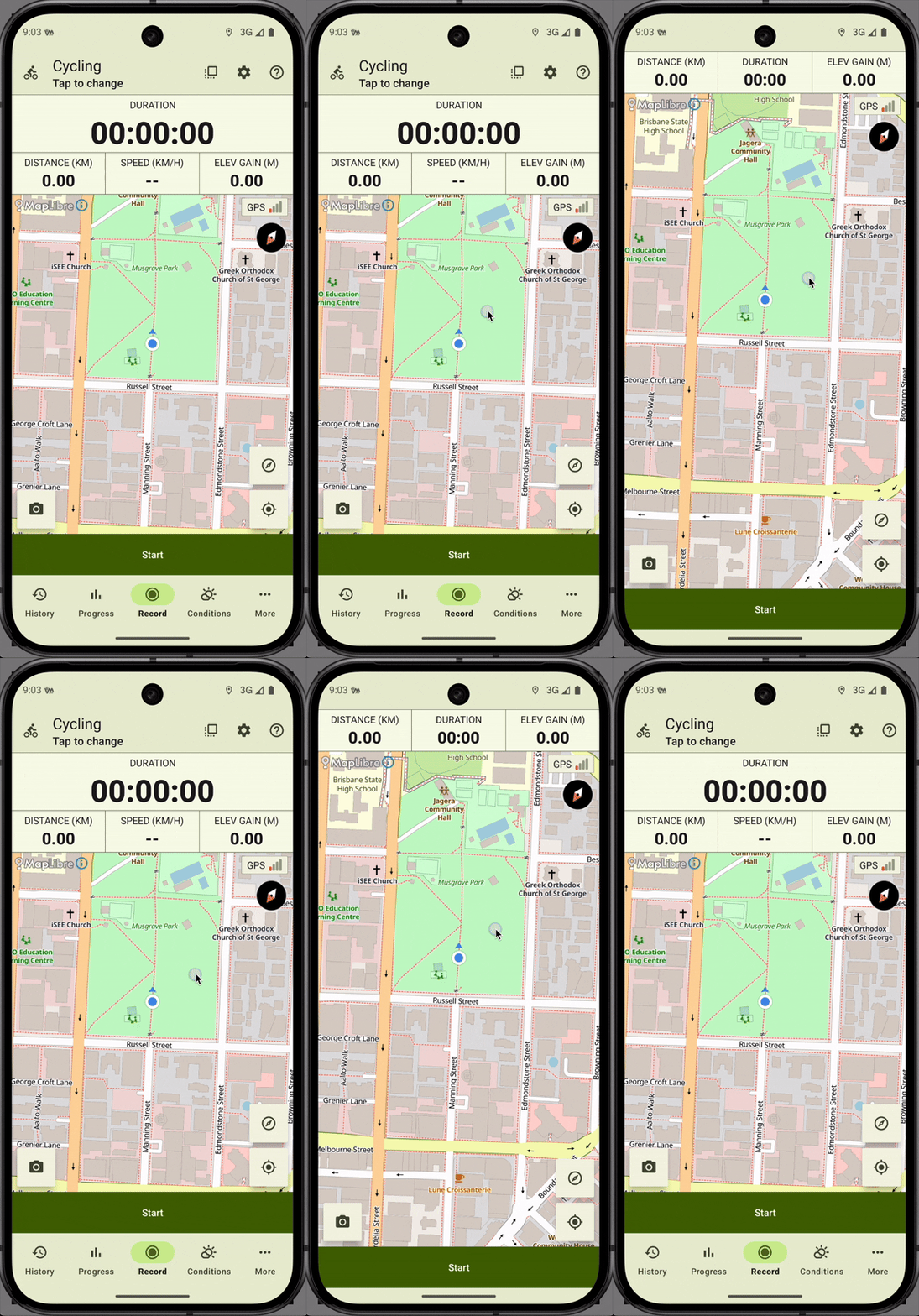
You can view the map in full-screen mode by tapping on it. To exit full-screen mode, tap the map again.
Locking the map north-up
By default, the map rotates to follow your direction of movement. You can lock it north-up by tapping the compass icon in the bottom-right corner of the screen.
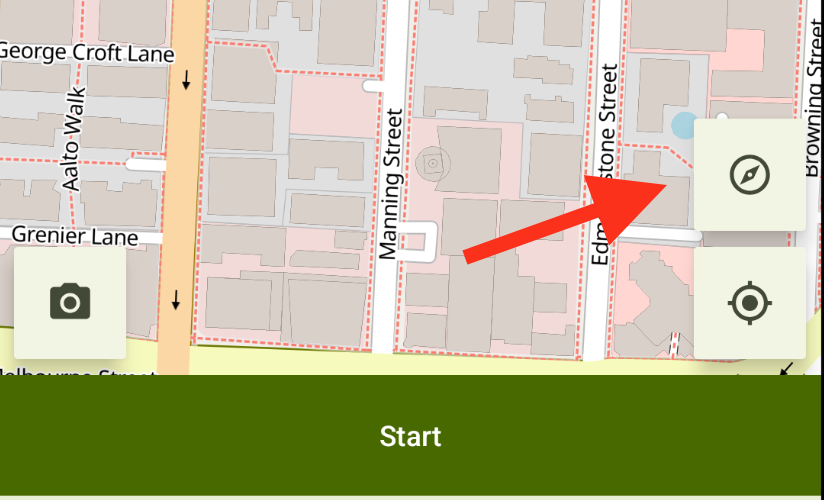
When the map is locked north-up, the button in the bottom-right corner changes its icon to North. To unlock the map, tap the same button again.
Centering the map on your location
To center the map on your current location, tap the Your location button at the bottom-right of the recording screen.
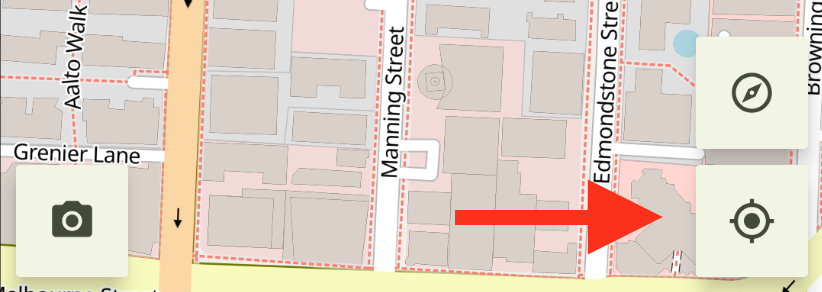
Note: The blue dot on the map represents your current location.