Activity settings
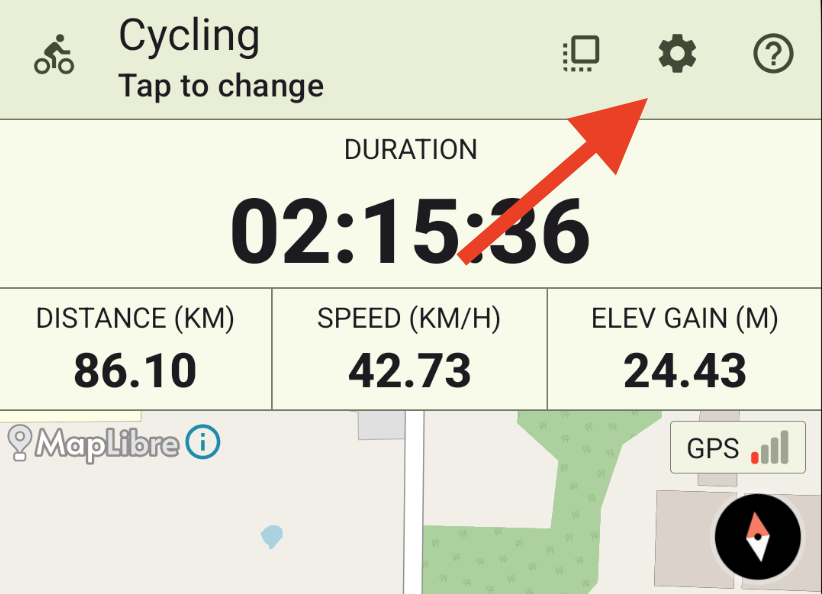
Settings for each activity type supported by VMFit can be configured individually by tapping the gear icon in the top-right corner of the record screen.
The activity settings screen can also be accessed from the activity picker.
Supported settings
Depending on the activity type, there are currently three options available:
- Keep screen on – Prevents the device screen from turning off during an activity.
- Auto pause – Allows you to configure whether auto pause is enabled for the selected activity type.
- Wear OS Watch Fields – Allows you to choose which fields appear on your Wear OS compatible watch during an activity when using the Wear OS Remote feature.
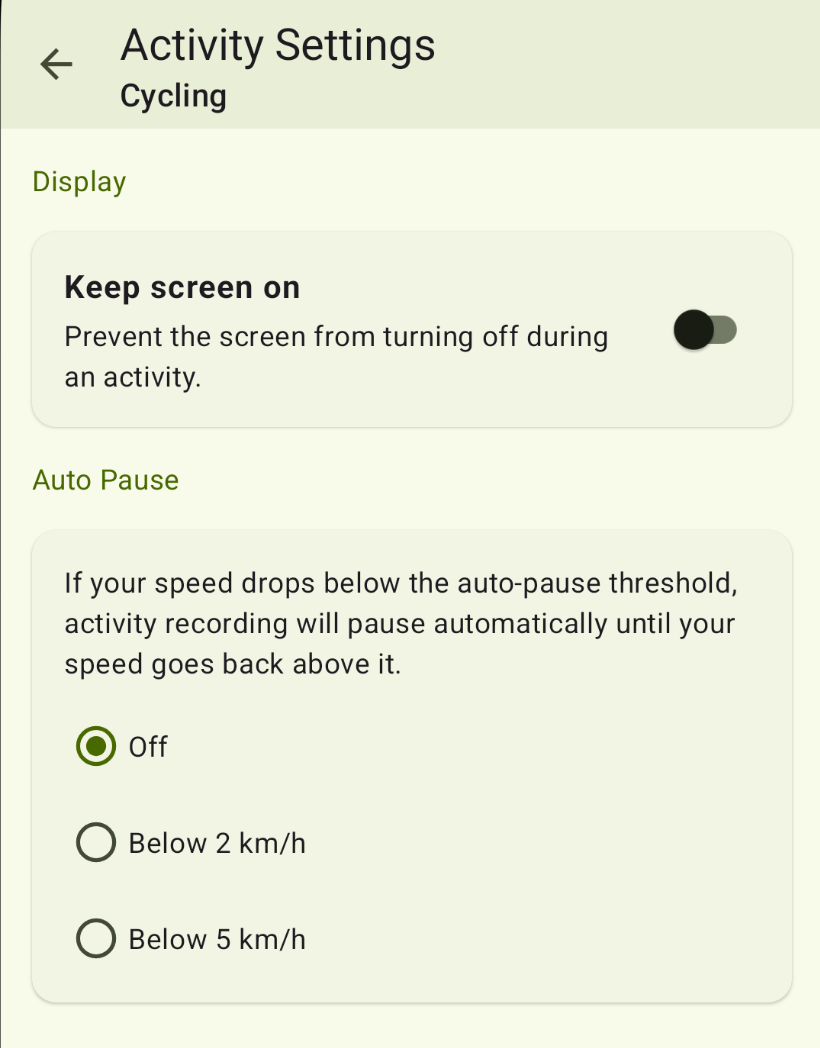
Note: Auto pause is available only for GPS-based activities.