Configuring display fields
Customizing fields
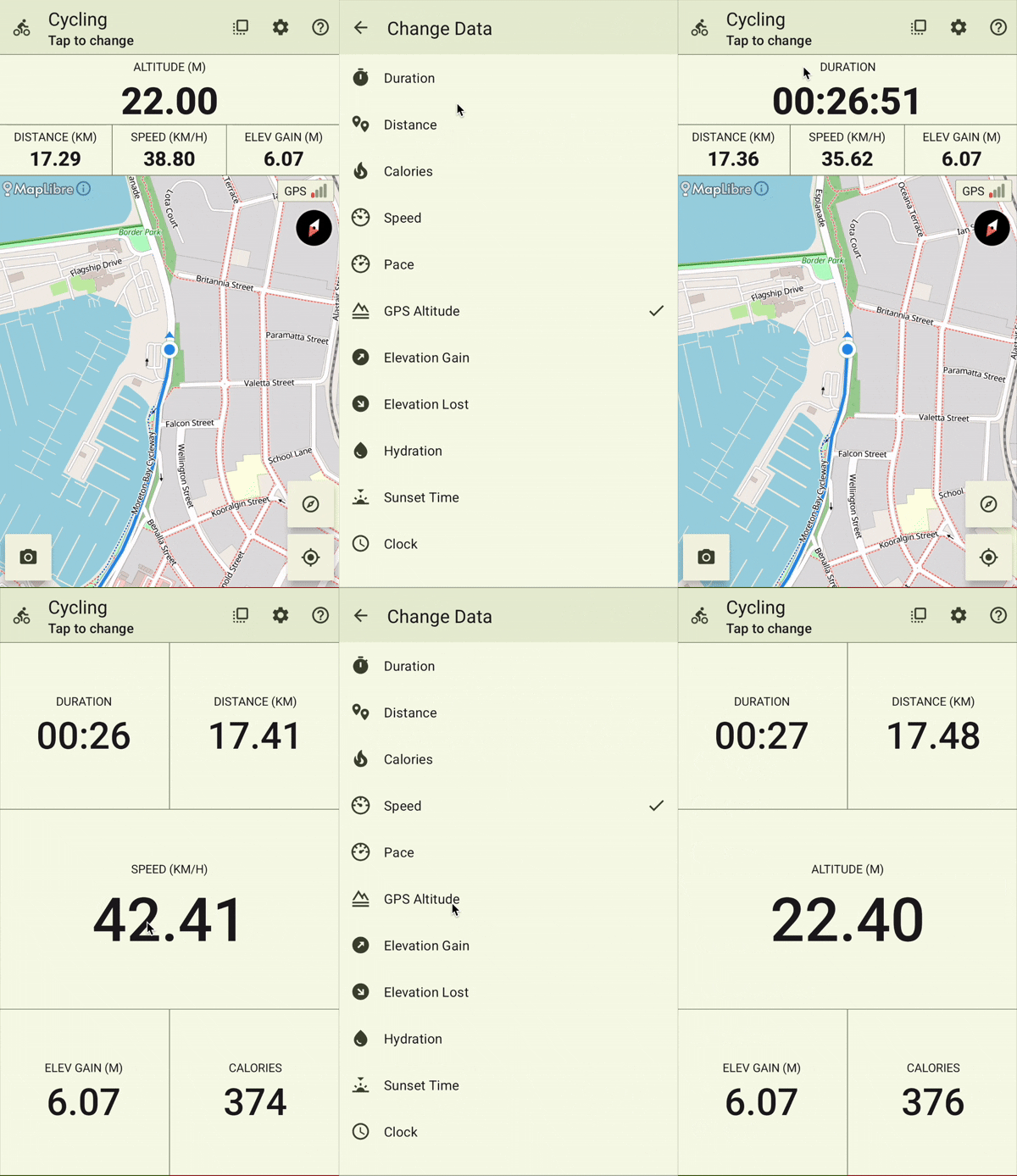
Display fields in both the map and data-only views can be customized to show various metrics available during activity tracking. To select a different metric for a field:
- Tap and hold a field. The Change Data screen will open.
- Select the desired metric.
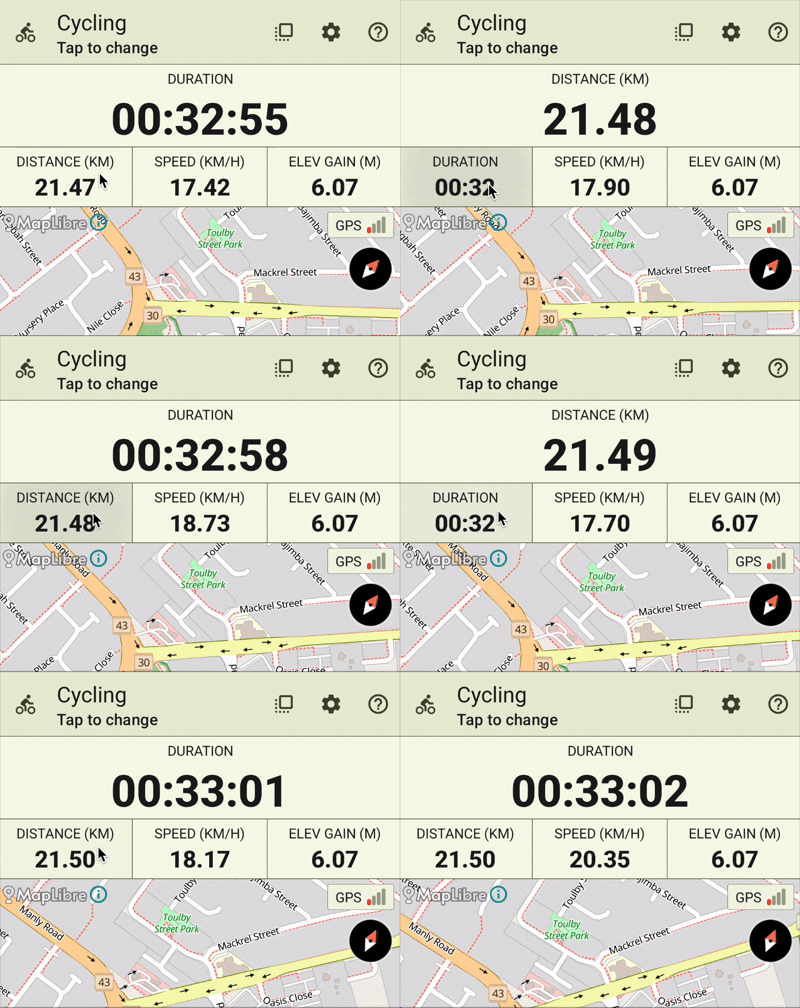
Promoting a field to primary in map view
When using the map view, you can promote a secondary field to the primary field by tapping the secondary field.