Tracking notification style
The Tracking notification style setting, found under Settings → Tracking → Tracking notification style, determines the type of notification that's displayed on the lock screen and in the system notification area when activity recording is in progress.
Simple notification style
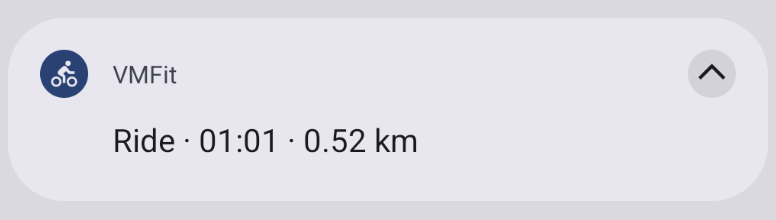
The simple notification style displays the activity type being tracked, the duration, and—depending on the activity type—the distance. Tapping the notification opens the VMFit recording screen.
Enhanced notification style
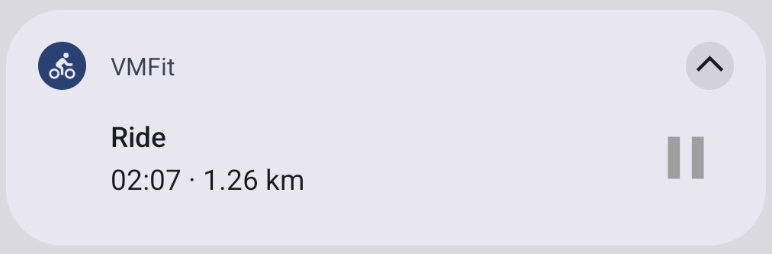
The enhanced notification style displays all the information from the simple notification style and adds pause/resume controls for the activity. Tapping the notification opens the VMFit recording screen.
Note: Some devices may have issues displaying the enhanced notification style on the lock screen or in the notification area. If this notification style does not work on your device, don’t hesitate to contact us.
Note: Notification style cannot be changed while recording an activity.